











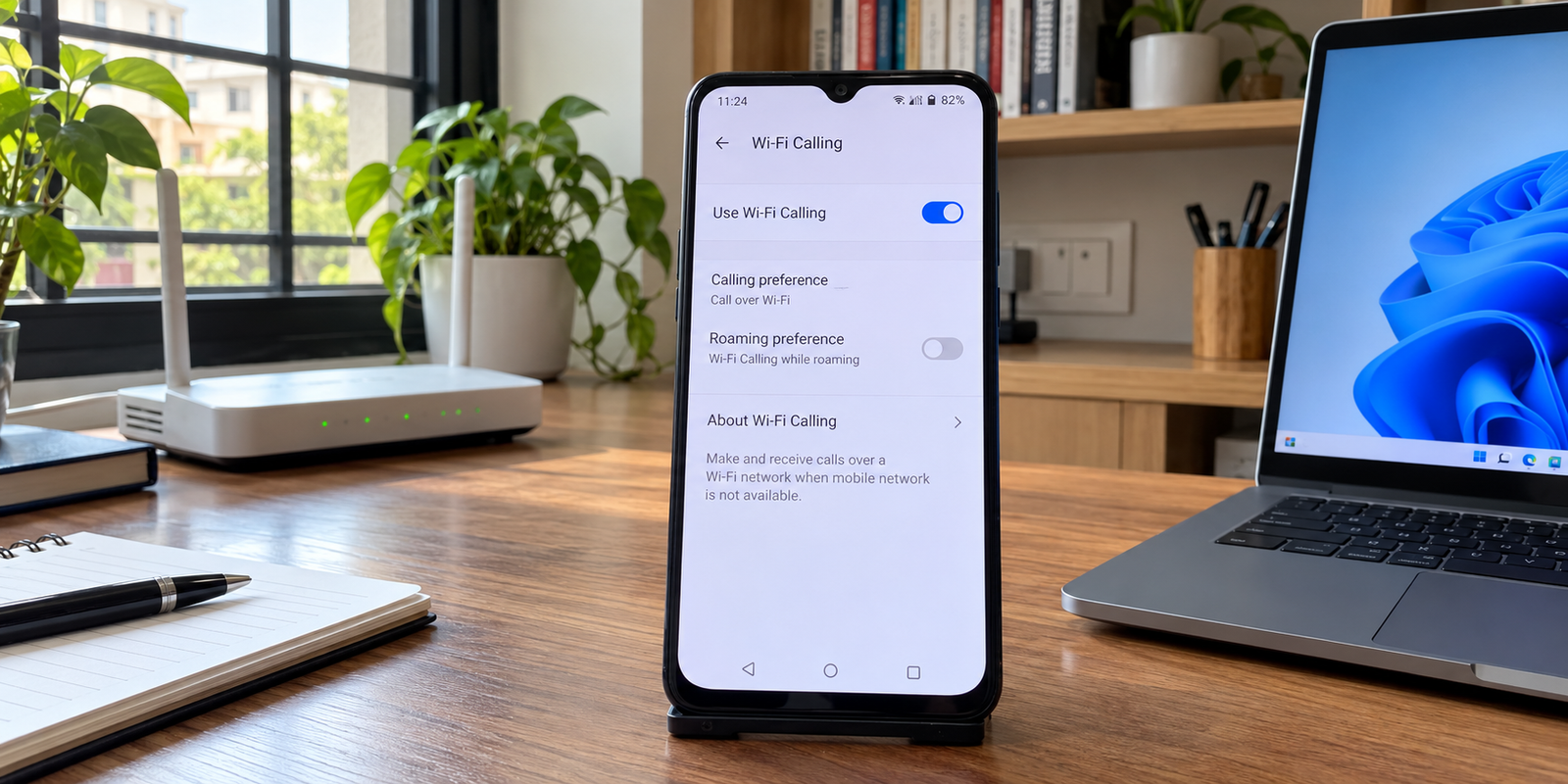
Oneplus 6t wifi calling can be useful when indoor mobile coverage is weak, but availability depends on more than the phone. Carrier support, SIM setup, software version and regional configuration can affect the feature.
Does the OnePlus 6T support Wi-Fi Calling?
Yes, the OnePlus 6T has supported Wi-Fi Calling when the carrier and software configuration enable it. OnePlus lists dual-SIM and LTE connectivity, while noting that network capabilities depend on carrier support. OnePlus later integrated Jio VoWiFi support in OxygenOS 10.3.3 for India.
Airtel included the OnePlus 6T among supported OnePlus models; Jio support arrived through the 10.3.3 update. The setting can still vary with the installed OxygenOS build and carrier configuration.
How to enable Wi-Fi Calling on OnePlus 6T
Start with the standard settings method.
- Open Settings and enter Wi-Fi & Internet or the network/SIM settings area.
- Open SIM & network settings and select the SIM you want to use.
- Find Wi-Fi Calling and turn it on.
- Connect to a reliable Wi-Fi network.
- Keep VoLTE enabled when your carrier recommends it.
Menu names can differ between OxygenOS versions. With dual SIM, check the relevant line. Airtel requires a compatible handset, updated software, Wi-Fi access and the feature enabled, and recommends keeping VoLTE on.

Airtel, Jio and other carrier support
For OnePlus 6T Wi-Fi Calling Airtel users, carrier eligibility is as important as the phone model. Airtel provides a handset compatibility check and a Wi-Fi Calling indicator for verification.
Jio support was added to the OnePlus 6T through OxygenOS 10.3.3. Jio’s current guidance says users need a Wi-Fi Calling-capable handset and an active Jio tariff plan, and recommends enabling VoLTE and Wi-Fi Calling. For a specific OnePlus 6T, current handset eligibility should still be checked through Jio’s compatibility system.
Other carriers can differ by country, region, firmware and network profile. A feature available with Airtel or Jio should not automatically be assumed to work with another operator.
| Check | What to confirm |
|---|---|
| Device | OnePlus 6T and correct regional variant |
| Software | Supported OxygenOS configuration |
| SIM | Correctly provisioned by the carrier |
| Carrier | Wi-Fi Calling supported for this device |
| Wi-Fi | Stable internet connection |
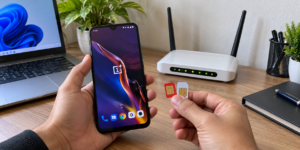

What to do when the Wi-Fi Calling option is missing
If the switch is missing, the feature may not be exposed for your current carrier and software combination. First install available system updates and restart the phone. Then confirm the correct SIM is selected and that VoLTE is enabled.
Next, contact the carrier and ask whether Wi-Fi Calling is provisioned for your number and handset. A capable phone does not mean every carrier configuration will expose it.
Use standard settings and carrier verification first rather than unofficial diagnostic codes or modified carrier settings.

OnePlus 6T Wi-Fi Calling not working
When the option exists but calls do not use Wi-Fi, work through this checklist:
- Confirm the Wi-Fi connection actually has internet access.
- Toggle Wi-Fi Calling off and on, then restart the phone.
- Keep VoLTE enabled.
- Test another reliable Wi-Fi network.
- Check for an available OxygenOS update.
- On dual SIM, verify the intended line and its carrier support.
- Contact the carrier if it still does not register.
To verify usage, look for a Wi-Fi Calling or VoWiFi indicator before or during the call. Airtel specifically says its Wi-Fi call symbol distinguishes Wi-Fi Calling from a normal cellular call. Jio says supported phones can automatically switch between Wi-Fi and mobile networks.
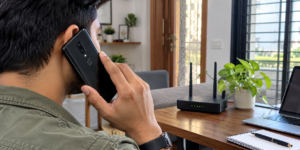
Wi-Fi Calling, VoWiFi and VoLTE explained
Wi-Fi Calling and VoWiFi are two names for voice calls carried over Wi-Fi. VoLTE means Voice over LTE, so the call uses the 4G LTE network instead. Wi-Fi Calling provides the Wi-Fi path, while VoLTE provides the cellular path, so carriers often recommend both.
Conclusion
OnePlus 6T Wi-Fi Calling can help when mobile reception is weak indoors. Separate device support from carrier support. Check the OxygenOS version, SIM configuration and operator eligibility, enable Wi-Fi Calling through normal settings, and confirm the Wi-Fi indicator during a test call. Airtel and Jio have supported the OnePlus 6T on compatible configurations, but the exact software and number should still be checked.


